

 DE
 IT
Find the right tool
From sizing to commissioning.
Which motor fits your motion profile? Which linear axis could suit your application? And how do you set up a Colibri drive? Our software tools support you with each of these tasks.
MotorFinder for motor sizing · Axis Finder for initial selection · Colibri-Studio for configuration and diagnostics
Size drives
MotorFinder: from motion profile to motor selection.
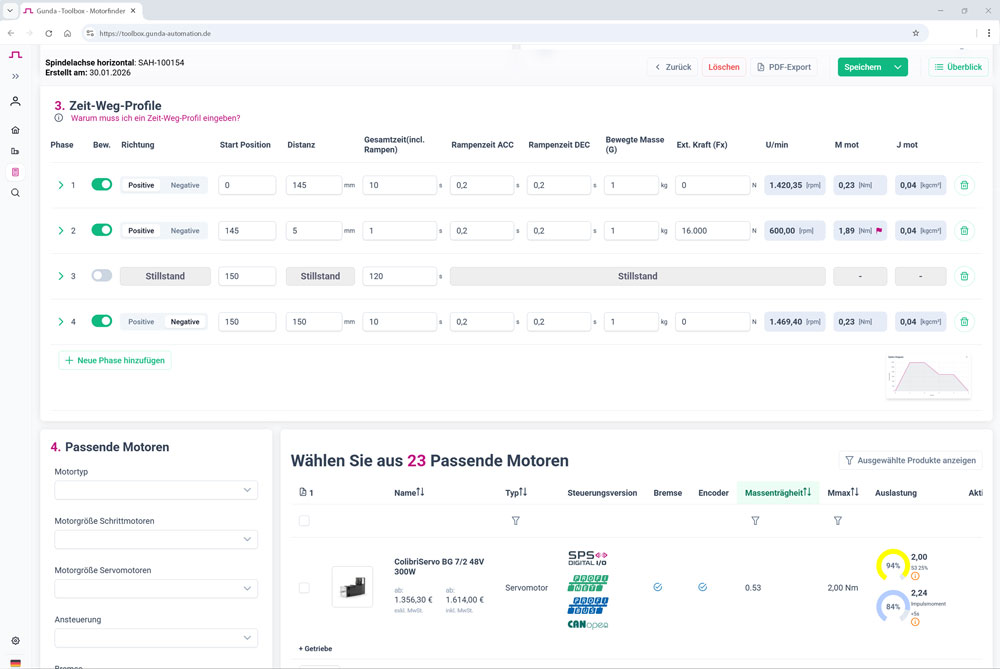
A motion profile turns your requirements into a basis for calculation. In the browser-based MotorFinder, select the axis system and axis type, then enter the motion, masses and forces. The tool calculates the resulting motor requirements.
A time-displacement diagram shows the motion sequence. The motor characteristic curve shows how each phase affects speed and torque.
Based on the calculation, MotorFinder displays suitable motors and their load, optionally with a gearbox. Results can be filtered, saved and exported as a PDF.
Preselect linear axes
Axis Finder: from your application to a suitable axis.
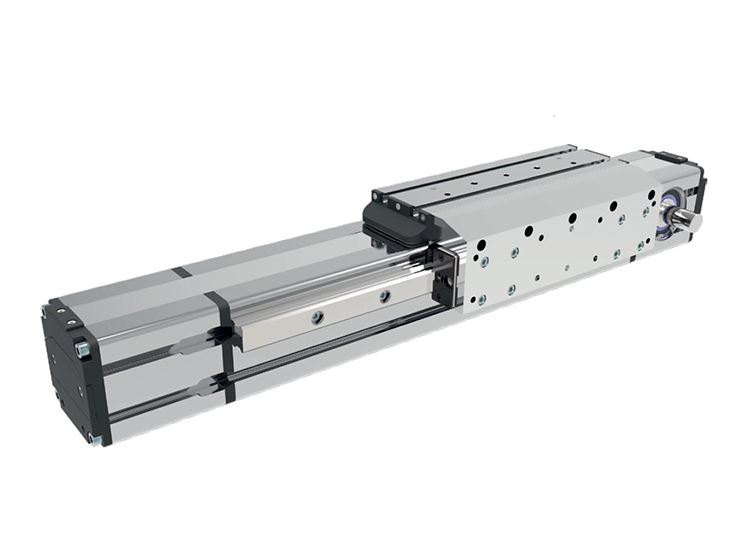
Enter stroke, loads and motion: the Axis Finder supports an initial selection of screw-driven and belt-driven axes. Compare specific versions against your requirements.
Compare variants, save them to a shortlist and create a draft enquiry with your inputs. The draft is not sent automatically. Missing information and required checks remain visible. We review the final technical sizing together.

Configure Colibri drives
Colibri-Studio: configure, test and diagnose.
Colibri-Studio connects to your Colibri drive via Ethernet or USB. You can set parameters, run motion tests and check the drive’s response.
Save configurations and manage device states. Diagnostic functions support commissioning and service.
The software is designed specifically for Colibri drives and is available without licence fees.
Frequently asked questions
The right tool for your task.
Which GUNDA tool helps with motor sizing?
The browser-based MotorFinder supports sizing using the axis system, motion profile, masses and forces. The results show the required speed and torque as well as suitable motors and their load.
What is Colibri-Studio used for?
Colibri-Studio is used to configure and diagnose Colibri drive systems. It supports parameter settings, motion tests and saving configurations.
What information helps when selecting a drive?
Useful information includes the application, moving load, mechanics and motion sequence. Examples include travel distance, speed and acceleration time. GUNDA’s technical advisers can help you clarify missing information.